
Apple Wallet Loyalty Cards: The Complete Guide for Small Businesses (2026)
2026-02-02
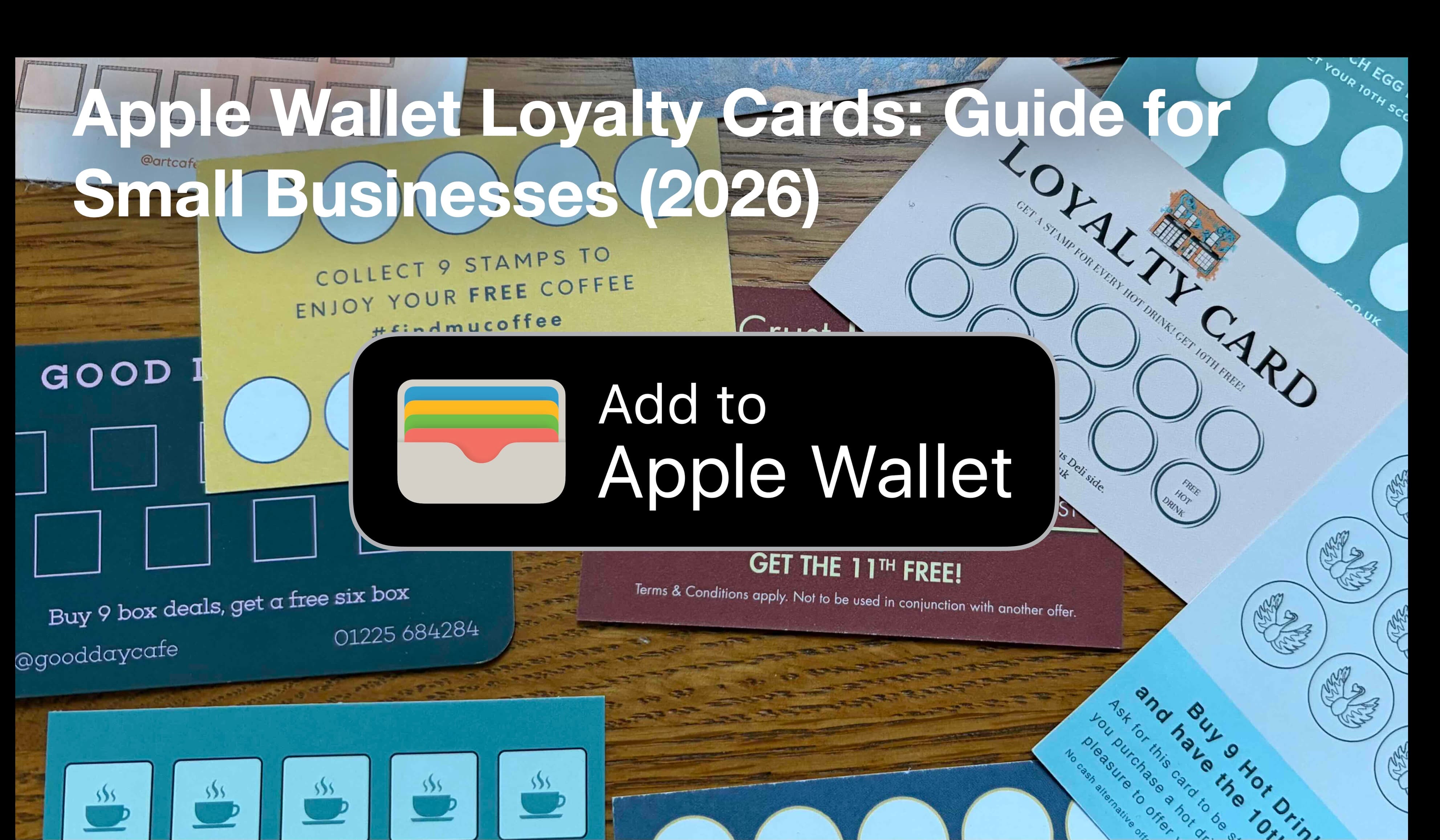
Paper loyalty cards have been around for decades — and they cause just as many problems today as they did 20 years ago.
They get lost, forgotten at home, or quietly abused. Customers forget how many stamps they have, staff forget to stamp them, and business owners get nothing back in return: no data, no repeat visits, no way to remind customers to come back.
That’s why more UK small businesses are switching to Apple Wallet loyalty cards. In this guide, we’ll explain exactly what Apple Wallet loyalty cards are, how they work, how much they cost, and whether they’re a good fit for your business.
What is an Apple Wallet loyalty card?
An Apple Wallet loyalty card is a digital stamp or rewards card that customers save directly to the Apple Wallet app on their iPhone.
Instead of carrying a paper card, customers:
- Scan a QR code
- Add the loyalty card to Apple Wallet
- Collect stamps or points digitally
- Redeem rewards without downloading an app
The card updates automatically as customers earn stamps, just like boarding passes or train tickets update in Wallet. For customers, it feels native and familiar. For businesses, it replaces paper cards with something far more reliable.
Why UK small businesses are moving away from paper stamp cards
Paper loyalty cards seem cheap — until you look at the hidden costs. The real problems with paper cards include:
- Lost cards: Translates directly to lost customers.
- Forgotten cards: Missed stamps lead to customer frustration.
- Fraud: Staff or customers can sometimes stamp cards multiple times dishonestly.
- No data: No way to follow up or re-engage with your best customers.
Most importantly: paper cards don’t help you grow repeat visits in any measurable way. Digital loyalty cards in Apple Wallet solve all of these in one move.
How Apple Wallet loyalty cards actually work
Here’s the typical flow in a café, salon, or independent shop:
- Customer joins: You display a QR code at the till, on receipts, or online. The customer scans it with their phone, and the loyalty card is added to Apple Wallet in seconds. No app, no account creation, no passwords.
- Customer earns stamps: Staff scan the customer’s QR code or tap a button. The loyalty card updates instantly, increasing the stamp count or reward balance.
- Rewards are redeemed: When a threshold is reached, staff redeem the reward. The card updates again in Wallet.
Everything happens digitally, but feels effortless for both sides.
Apple Wallet loyalty cards vs apps vs paper cards
Apple Wallet vs paper cards
| Paper Cards | Apple Wallet |
|---|---|
| Easy to lose | Always on phone |
| No fraud protection | Controlled digitally |
| No customer insights | Usage data available |
| No reminders | Can trigger notifications |
Apple Wallet vs loyalty apps
Apps sound good in theory, but in practice, customers don’t want another app, downloads are a barrier, and apps get deleted quickly. Apple Wallet loyalty cards live where customers already go — boarding passes, payment cards, tickets. That’s a huge adoption advantage.
Do customers need an iPhone?
Yes — Apple Wallet loyalty cards are for iPhone users. However, iPhones make up a significant portion of UK smartphone usage, and Android users can be supported separately via Google Wallet. Many platforms (including Paperless Perks) support both using the same QR code and system.
What do you need to set up?
You do not need your own mobile app, an Apple Developer account, or any special hardware. You do need a digital loyalty card provider, a QR code, and a phone, tablet, or till system to issue stamps. Setup typically takes minutes, not weeks.
How much do they cost?
For small businesses in the UK, most providers charge a monthly subscription. Pricing is usually far cheaper than building an app, and there’s no per-customer hardware cost. If you’re currently printing paper cards, the switch is often cost-neutral — and far more effective.
Real-world examples
- Coffee shops & cafés: "Buy 9 coffees, get the 10th free" with automatic stamp tracking and no more lost cards during the morning rush.
- Salons & barbers: Visit-based rewards with easy re-engagement for repeat bookings and clear reward visibility.
- Independent retailers: Spend-based rewards, seasonal promotions, and a simple, modern customer experience.
Is it right for your business?
Apple Wallet loyalty cards work best if you have repeat customers, want something simpler than an app, and want to move away from paper cards permanently. They’re especially effective for coffee shops, cafés, salons, bakeries, and local retailers.
Frequently asked questions
Do customers need to download an app? No — Apple Wallet is built into iPhones.
Can I still support Android users? Yes, via Google Wallet using the same system.
Will older customers use it? If they can scan a QR code, yes. Adoption is often higher than expected.
Final note: Paper loyalty cards had their moment. Apple Wallet cards are what customers now expect — simple, digital, and always with them. Launch in under 10 minutes with Paperless Perks.